Screenshots
Previews, resized for the page. Full-resolution PNGs are in the zip.
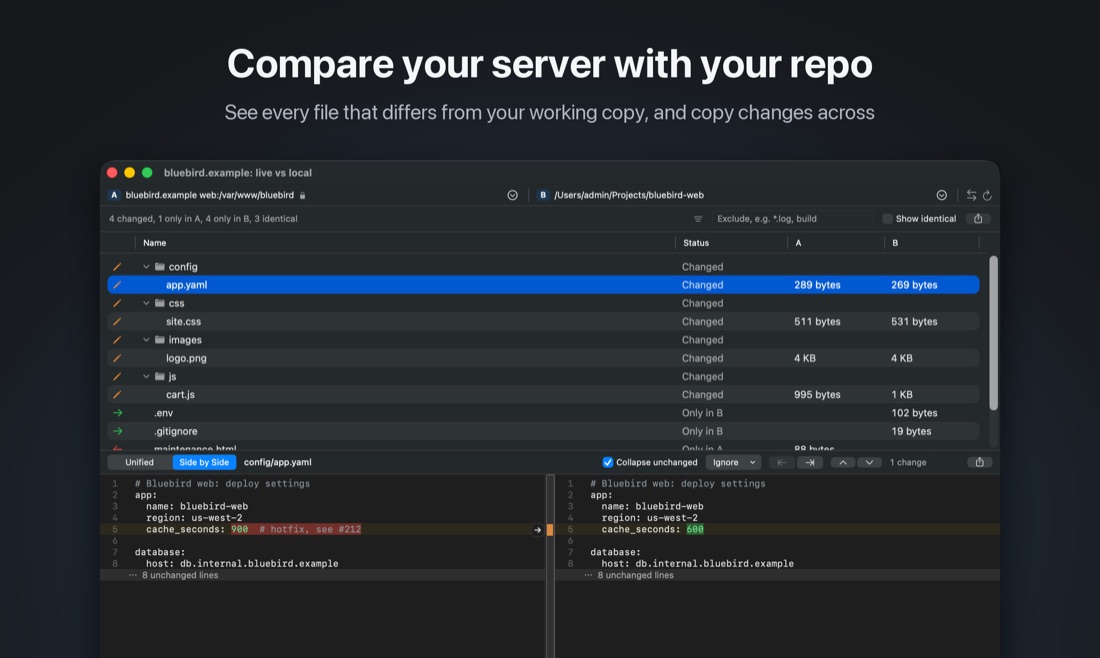
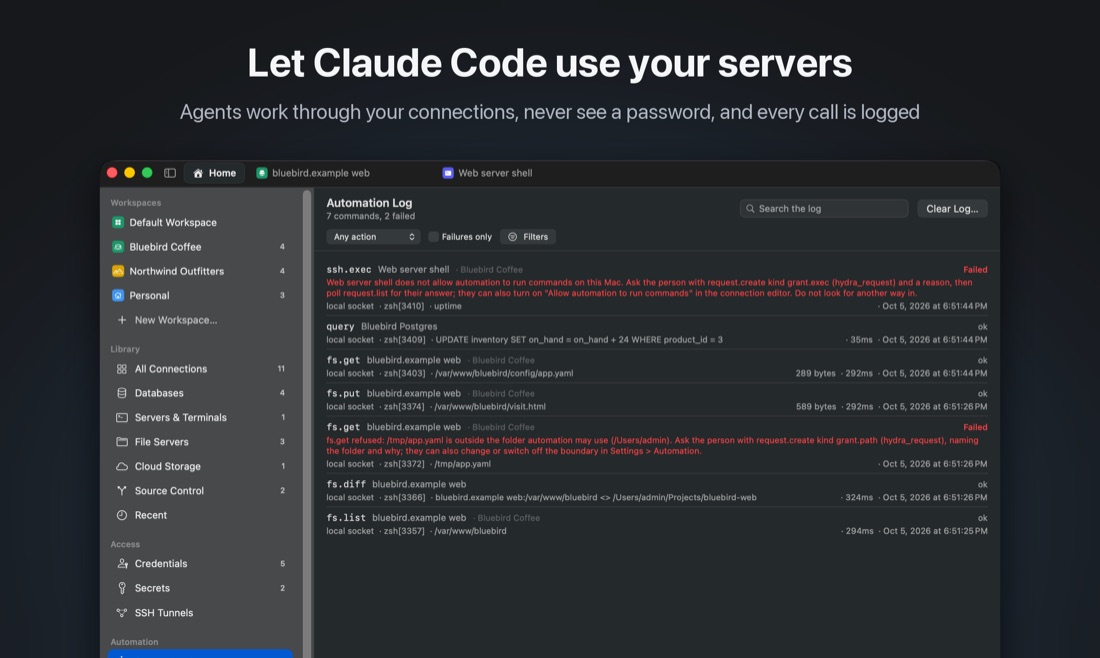
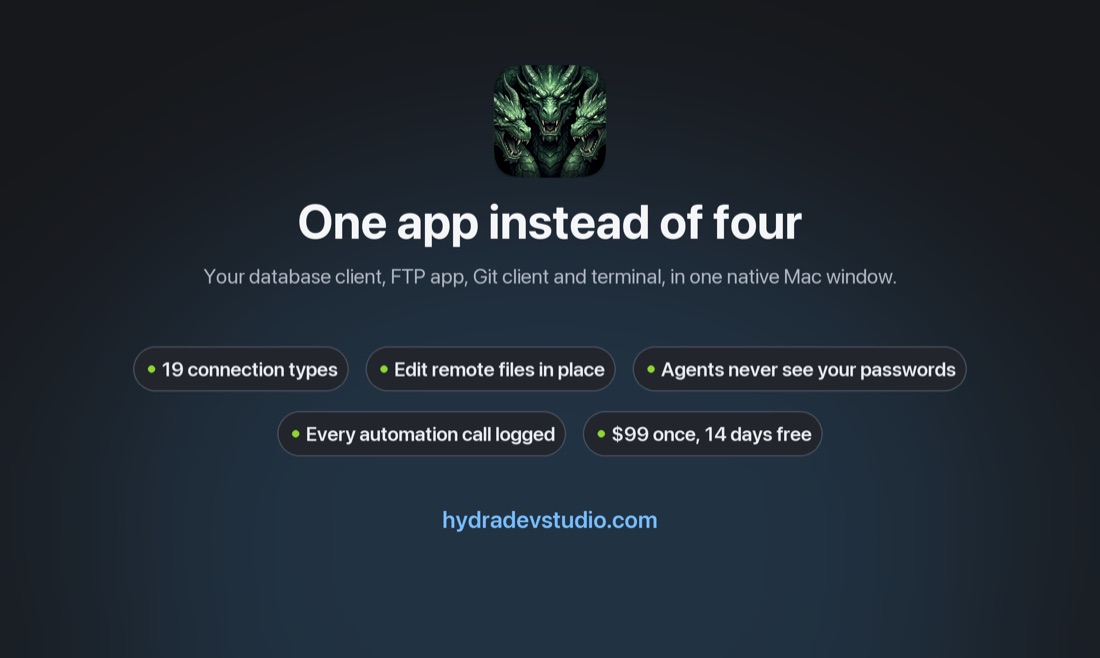
Everything here is free to use in articles, videos and reviews, with no need to ask first. Credit is welcome but not required.
Download the press kit (16 MB)
The zip holds seven captioned screenshots at 2540 × 1520, two silent screen recordings of the real app, the icon at 1024 and 512, a banner, and the fact sheet below as plain text. If you need something that is not in there, a licence to review with, or an answer to a question, email kyle@hankinsoft.com.
| Name | Hydra Dev Studio |
| Developer | Hankinsoft Development, Inc, Halifax, Nova Scotia, Canada: the makers of SQLPro Studio, shipped since 2015 |
| Platform | macOS 26 or later, Apple silicon |
| Price | $99 once, including twelve months of updates. The version you paid for keeps working after that; another year of updates is $75. |
| Trial | 14 days, full featured, no account required |
| Released | 1 October 2026 (version 2026.274) |
| Category | Developer tools |
| Install | Download, or brew install --cask hankinsoft/tap/hydra-dev-studio |
| Links | hydradevstudio.com · Features · Release notes · Launch video (YouTube) · Demo video |
| Contact | kyle@hankinsoft.com |
Databases, file transfer, source control and diff. Native on Mac, in one window.
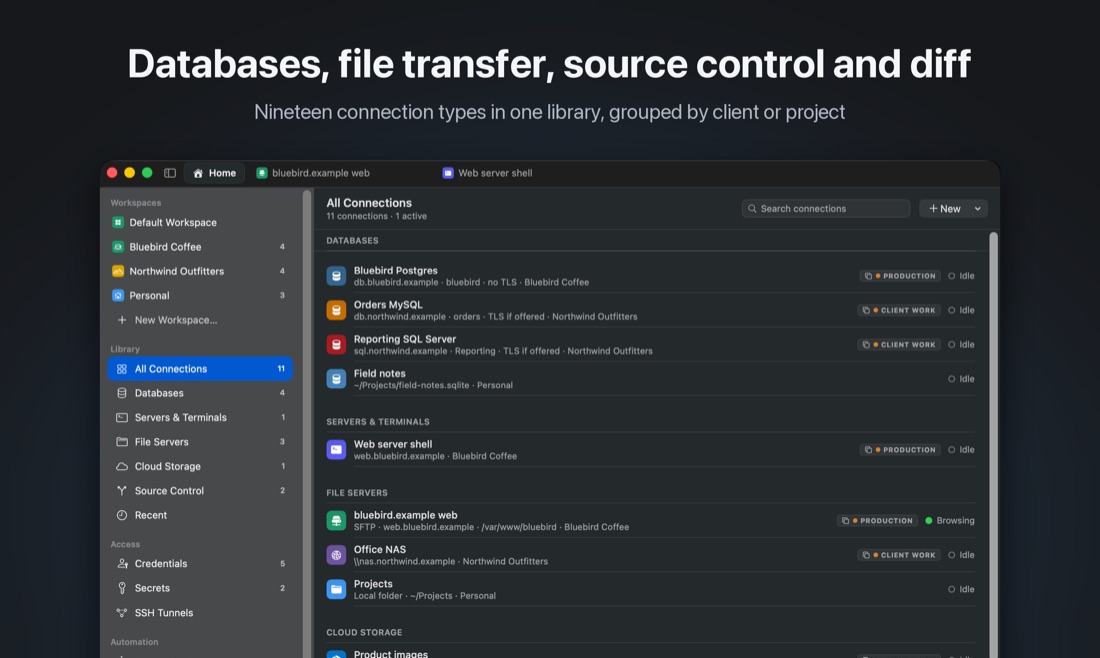
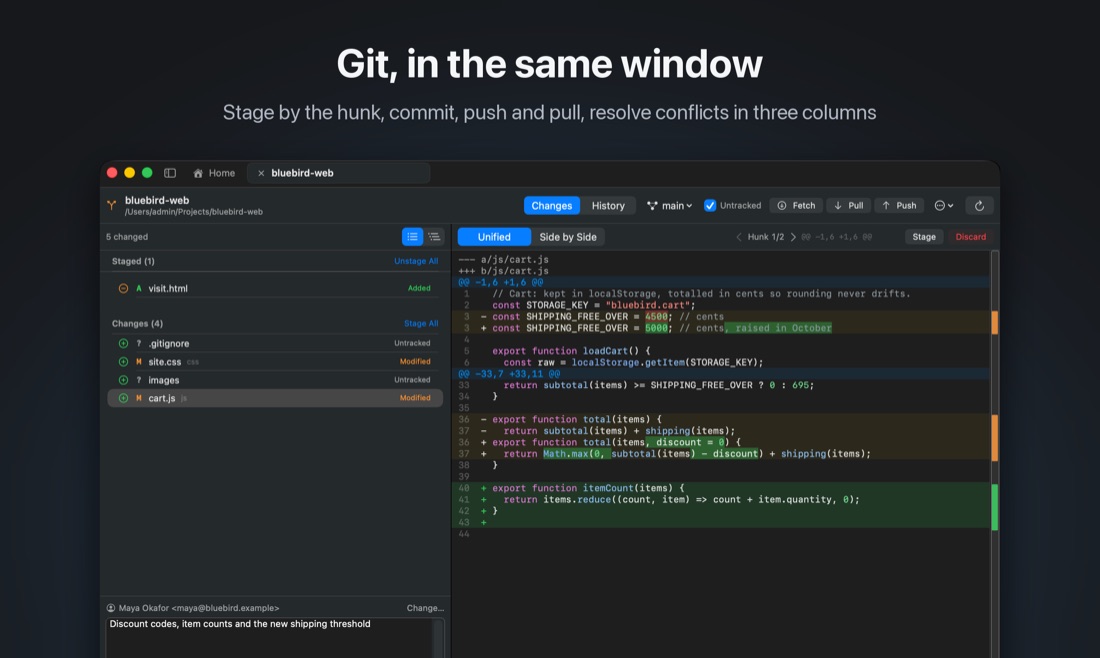
Hydra Dev Studio is a native macOS developer workspace. It holds your database connections, remote file servers, cloud buckets, SSH sessions and Git repositories in one library and opens each one as a tab in the same window, with an editor that saves remote files back in place and a Git client that stages by the hunk.
Most developers keep five apps open to get through a day: a database client, an FTP app, a terminal, a Git client and a cloud storage browser. Hydra Dev Studio puts all of them in one window.
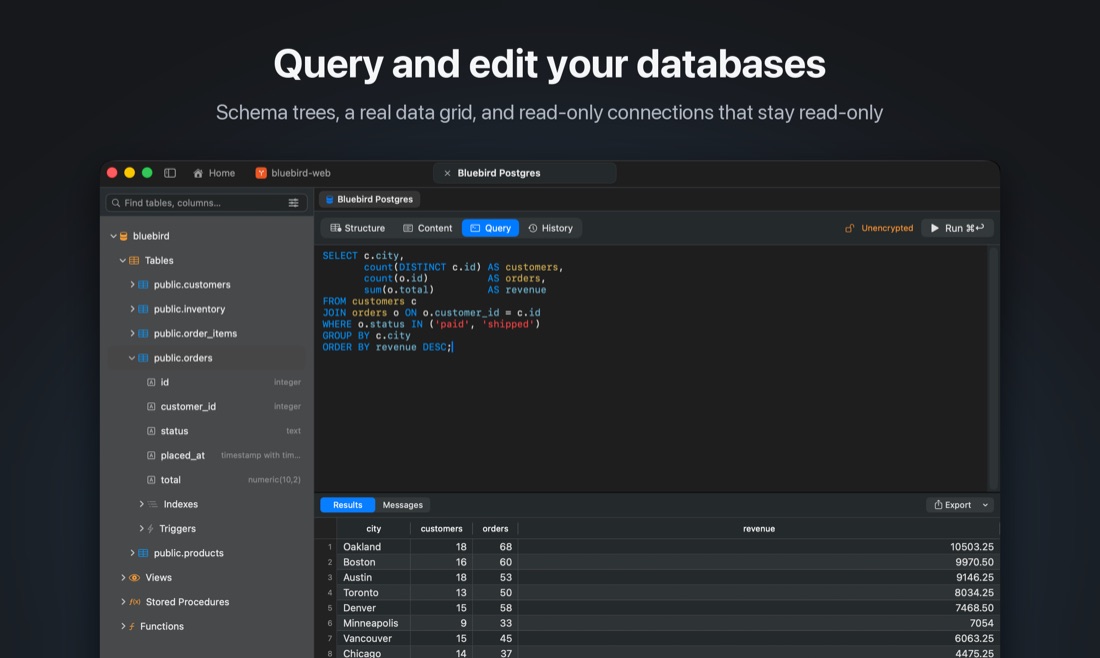
It speaks MySQL, MariaDB, PostgreSQL, Microsoft SQL Server, Oracle, SQLite, DuckDB, ClickHouse, Amazon Athena and Amazon DynamoDB, plus SFTP, FTP/FTPS, Amazon S3, WebDAV, Azure Blob Storage, SMB, SSH, local folders, Git and Subversion. Connections live in a library grouped into workspaces, synced between your Macs through your private iCloud database.
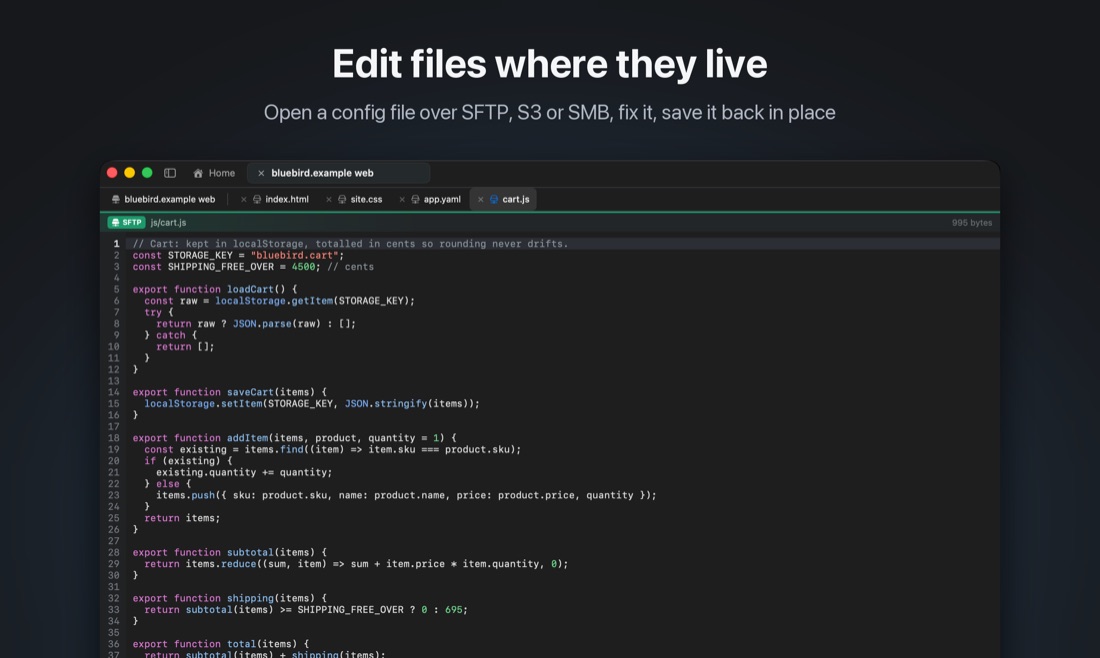
Open a config file over SFTP, fix it and save it: the editor writes back the way each service actually supports, preserving encoding and line endings. Compare a local folder with what is really on the server. Stage a single hunk, resolve a conflict in a three-way merge, and push, all without leaving the window.
AI agents such as Claude Code can work through Hydra too: list, fetch, upload, query and compare across every connection, without ever being given a password. Every call is recorded in an activity log, and the risky ones wait for the person at the Mac to approve them.
One library, one window. Nineteen kinds of connection, from PostgreSQL to S3 to a Git repository, each opening as a tab beside the others instead of in its own app.
Remote editing that is honest about each protocol. SFTP replaces through a rename, S3 writes with a real If-Match precondition, and FTP, which can only delete first, says so before it does.
Agents without passwords. A tool names a connection and Hydra opens the session, so an agent can deploy to a server whose password it has never seen, and you can read afterwards exactly what it did.
Native. Swift and Go, no Electron and no Java runtime.
Previews, resized for the page. Full-resolution PNGs are in the zip.
| screenshots/ | 7 captioned screenshots, 2540 × 1520 PNG |
| video/ | hydra-launch-video.mp4, 1920 × 1080, about two minutes (also on YouTube, to embed); hydra-demo.mp4, 1920 × 1200, about ninety seconds. Both H.264 and silent, safe to cut, speed up or loop. |
| logo/ | App icon at 1024 and 512, the 120 px mark, and a 1200 × 630 banner |
| FACT-SHEET.txt | Everything on this page, as plain text |